I hear it constantly from small business owners and nonprofits: "We can't afford a fancy website rebuild. But we're losing people. They land on our site, look around for two minutes, and leave. We need to do something different."
You know your website needs help. You're seeing competitors talk about "AI this" and "AI that." But you're operating on limited resources, and frankly, the AI hype feels overwhelming.
Here's what I tell people: AI isn't just for tech giants with unlimited budgets anymore. And if you're thoughtful about it, adding AI to your website might be one of the smarter investments you make this year.
The Problem Everyone's Facing
Let me be direct: most small business websites are passive brochures. Someone visits. They scroll. Maybe they read a page. Then they leave to "think about it." And in my experience, many of those visitors don't come back.
Why might that be? Often, it's because the website can't answer their questions in real time. It can't guide them to the right service or capture their interest before they get distracted by the next browser tab.
This is especially painful for service-based businesses and nonprofits where the decision-making process involves questions, concerns, and education.
Large agencies will tell you the solution is a massive website redesign with custom everything. I'm going to tell you something different: sometimes the ROI isn't in rebuilding—it's in making your existing website conversational. (And when you are ready for a rebuild, transparent pricing matters.)
What AI Actually Means for Your Website
When I talk about AI on websites in 2026, I'm talking about three categories of tools worth exploring:
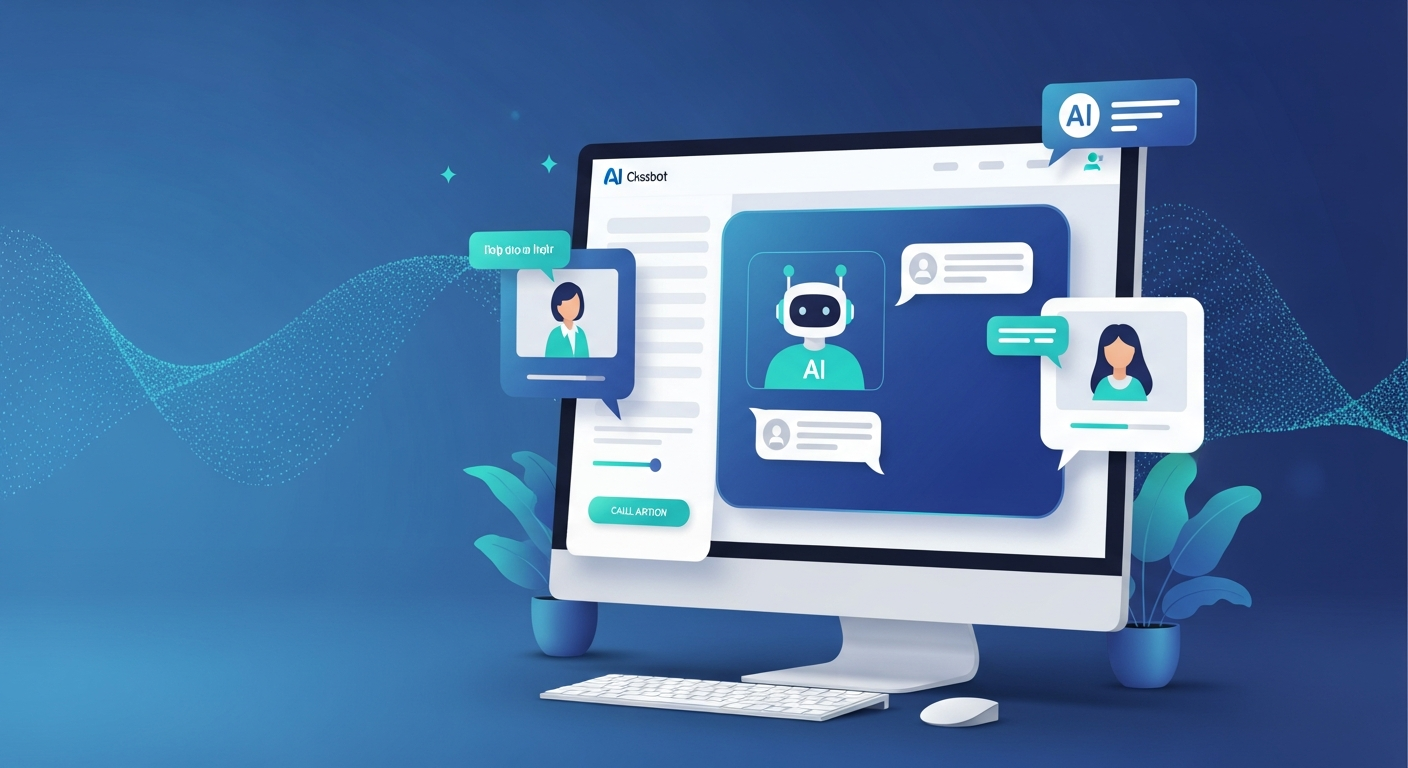
1. AI Chatbots: The 24/7 Employee You Can Actually Afford
An AI chatbot isn't a gimmick anymore. It can be a conversion tool that works while you sleep. Industry research suggests that visitors who engage with chat assistance often convert at higher rates than those who don't—though results vary widely depending on implementation and industry.
A simple chatbot might ask visitors a few qualifying questions: What service are you looking for? What's your timeline? What's the best way to follow up? This kind of guided conversation can feel less intimidating than a blank contact form.
The cost? Many chatbot tools run under $100/month—less than what some businesses spend on office coffee.
Here's why this can work: In my experience, people may be more willing to engage with a chat interface than fill out a traditional form. There's less commitment. It feels conversational. And it happens in the moment—not days later when someone finally checks form submissions.
2. Smart Content Recommendations
Ever notice how Netflix always seems to know what you want to watch next? That's AI-powered recommendation logic, and these kinds of tools are becoming available to small businesses at affordable price points.
I've talked to small e-commerce business owners who've added AI recommendation engines. These tools analyze what people look at and suggest related products. Some have told me it seemed to help their average order value.
The same principle works for service businesses. If someone's reading your \"Website Design for Nonprofits\" page, the AI can surface your case studies with other nonprofits, pricing guides for budget-conscious organizations, and testimonials from similar clients. This kind of thoughtful website design keeps visitors engaged longer.
You're not forcing them to hunt through your navigation. You're anticipating what they need next.
3. AI-Powered Forms and Scheduling
Traditional contact forms can be a weak point for many websites. In my experience, people often hesitate to fill them out. They can feel impersonal. And they create work—someone has to respond, schedule a call, send calendar invites, handle the back-and-forth.
AI-powered scheduling tools have the potential to read incoming messages and understand context, suggest meeting times based on calendar availability, send reminders and follow-ups automatically, and help qualify leads based on responses.
For my own business, I use an AI scheduling assistant. It feels like it's saved me time each week—time I can spend on actual client work instead of email back-and-forth.
Why the Numbers Matter (And Why They Sometimes Don't)
You'll find plenty of statistics floating around about AI ROI. Some businesses report improvements after adding chatbots. Others mention cost savings from automating routine inquiries. Your mileage will vary depending on your industry, your audience, and how thoughtfully the tools are set up.
But here's a caveat that often gets buried: not everyone sees results. In my reading, a notable portion of business leaders say they haven't seen meaningful returns from their AI investments.
Why might that be? In many cases, it seems like businesses add AI for the sake of checking a box, not solving a specific problem. They use tools they don't understand, set up without clear goals.
This is the same philosophy I bring to SEO and digital marketing: focus on what actually moves the needle for your business, not what sounds impressive in a sales pitch.
What AI Tools Typically Cost
This is where I encourage clients to think critically. Big firms may sell you on a custom-built AI solution for $20,000+. Is it impressive? Sure. Do you need it? In most cases, probably not.
Here's a general sense of what AI tools cost in the current market (these are rough ranges based on my research—your actual costs will vary):
Entry Level ($50-150/month): Basic AI chatbot using tools like Tidio, Chatfuel, or ManyChat. Pre-built templates you can customize for your industry. Can handle FAQs and basic lead capture. Typically takes a few hours to set up.
Mid-Tier ($150-400/month): More advanced chatbots with natural language processing. May integrate with your CRM or email system. Can include AI-powered scheduling and form optimization. May require custom training on your services.
Premium ($400-1000/month): Full AI assistant features, sometimes with multi-language support. Predictive analytics and user behavior insights. May integrate with payment processing. Usually requires ongoing optimization.
For most small businesses, starting with a simpler option and seeing what works makes more sense than jumping to enterprise solutions. If you're a nonprofit, many AI platform providers offer discounted rates.
What This Looks Like in Practice
Think about what this could look like for a service business. A plumber or HVAC company with an outdated website might not need a full rebuild—they might just need an AI chatbot that books emergency calls 24/7, smart scheduling so customers can see real-time availability, and automated follow-ups for quote requests.
That's the kind of ROI worth chasing. Not vanity metrics. Not "engagement." Actual revenue and customer satisfaction.
Why Now? And Why You Can't Wait
I'll be honest with you: AI adoption in websites is no longer early-adopter territory. Some of your competitors may already be experimenting with these tools. The businesses gaining an edge in competitive markets are often the ones using technology to be more responsive, more helpful, and more accessible.
Customer expectations are also shifting. People are getting used to instant responses from Amazon, Netflix, and their banking apps. When a website can't help them at 9 PM on a Tuesday, they may move on. This is related to what I discussed in my post about how authority signals affect AI-powered search—being visible and accessible matters more than ever. Google's AI Overviews are another reason visibility matters: I explain what Google's AI Overviews mean for small businesses and what to do about them.
Where Most People Screw This Up
Here are the four mistakes I see constantly:
Adding AI Without a Clear Goal: "We need AI because everyone else has it" is not a strategy. Start with the problem. Are people leaving without contacting you? Are you missing inquiries outside business hours? Are visitors confused about which service they need?
Over-Engineering the Solution: You probably don't need a custom-built AI with machine learning models. A simple chatbot that answers the five questions people ask most often may be all you need to start.
Setting It and Forgetting It: AI tools tend to improve with data and adjustment. If you add a chatbot and never review the conversation logs, you may be missing opportunities to improve. Consider spending time monthly reviewing what people are asking and refining the responses.
Choosing Features Over Outcomes: The fanciest AI tool means nothing if it doesn't address your specific challenge. In my experience, simpler solutions often make more sense than enterprise-level platforms for small businesses.
Some Things to Think About
If you're curious about AI for your website, here are some considerations:
Identify your biggest friction point. Look at your analytics. Where are people dropping off? What pages get traffic but few inquiries? Understanding this can help you figure out if AI tools might even be relevant.
Start small. If you're interested in exploring, pick one category that addresses your biggest challenge. High traffic but low form submissions? Chatbots might be worth researching. Too much scheduling back-and-forth? An AI scheduling assistant could be an option.
Give it time. If you try something, consider giving it a few months and tracking what matters to you—leads, inquiries, bookings, whatever defines success for your business.
Pay attention to what you learn. Review what's working and what's not. If you're using a chatbot, what are people asking that it can't handle? Use that to decide whether to continue, adjust, or try something else.
Where I'm Focused Right Now
I'll be transparent: I've been researching AI tools for small businesses extensively and exploring how they can complement good web design. This is an evolving space, and I'm learning alongside my clients who are asking about these options.
My focus remains on building great websites and helping businesses think strategically about their online presence. But understanding how AI tools work, what they cost, and where they make sense is something every small business owner should think about in 2026.
The Bottom Line
The best use of AI on a website isn't about impressing people with technology. It's about removing friction. Making it easier for visitors to get answers, take action, and move forward with confidence. Make sure the basics are covered first—our guide to the 5 essential features every small business website needs is a great starting point.
That's the kind of outcome AI tools can potentially enable. Not flashy features. Not buzzword compliance. Just making it a little easier for customers to take the next step.
If your website isn't turning visitors into inquiries the way you'd like, AI tools might be worth exploring. And no, you don't need a massive budget to get started.
Ready to talk about where AI fits in your website strategy? Get in touch—I'm happy to point you in the right direction, even if we don't end up working together.
Your digital website sherpa: practical web tips for small businesses, straight to your inbox
Join the Digital Website Sherpa newsletter. No spam, just practical, actionable advice to help you grow your business online. Unsubscribe anytime.
Paul Mulligan
Freelance Web Developer
Paul Mulligan is a freelance web developer based in Baltimore, MD with 10+ years of experience building WordPress and Webflow sites for small businesses. He focuses on clean design, fast performance, and real results.
Support My Open Source Work
I build free, open-source developer tools like Flavian and Aurelius. If you find my work helpful, consider supporting me on Patreon.
Support on PatreonRelated Articles
What Google's AI Overviews Mean for Your Small Business Website
Read ArticleWhy Backlinks Still Matter in 2026: SEO, AEO, and the Rise of GEO
Read ArticleHow Much Should a Small Business Website Cost in 2026?
Read ArticleReady to Transform Your Business's Website?
Let's discuss how I can create a website that attracts and converts more customers.
Get a Free Consultation